Five checks. Fifteen minutes. No tools, no budget, no ticket to your partner. That is all it takes to find out whether your Power Pages site has a data exposure problem.
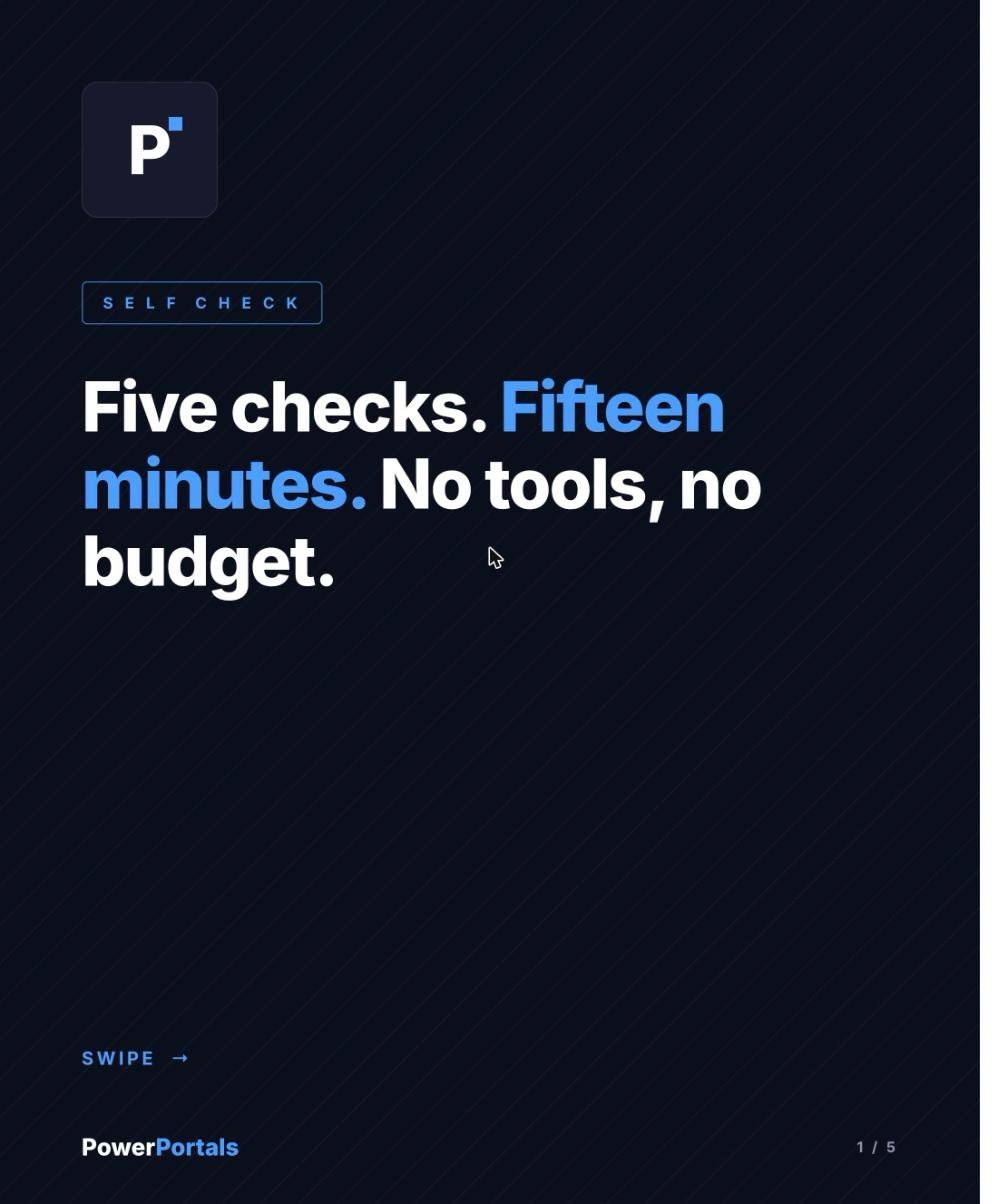
Open a private browser window, not logged in, and call yoursite/_api/contacts. JSON instead of an error means fix your table permissions now. Then run Site Checker from the Power Pages admin center, it flags the misconfigurations behind most recent incidents.
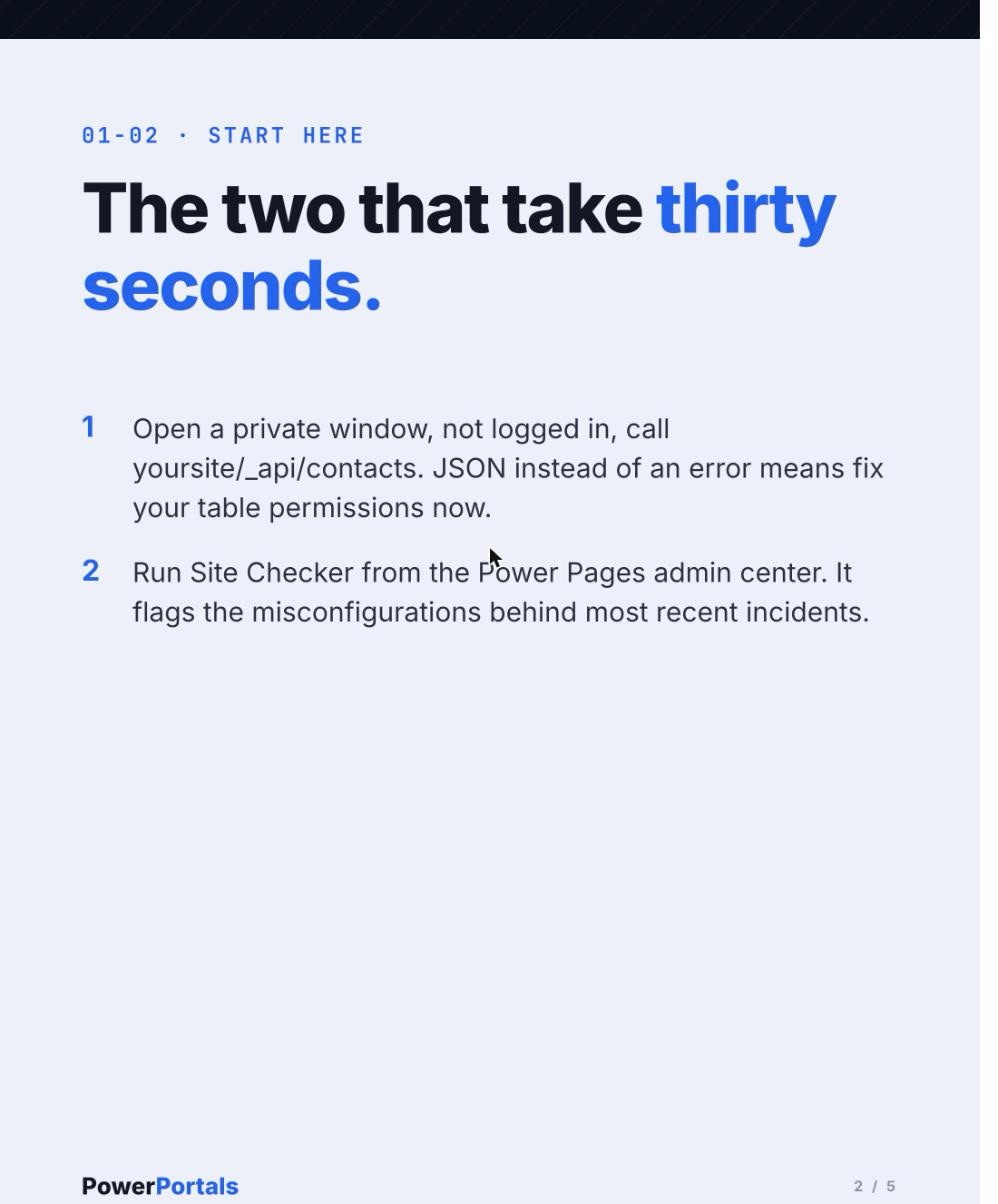
Filter your table permissions for Global scope. Every entry needs a reason, "it didn't work with Contact scope" is not a reason, it is the finding. Then check what the Anonymous Users web role is actually allowed to do, most audits find at least one permission nobody can explain.
Last, check whether open registration is enabled, and what a fresh account can see the moment it signs itself up. Anonymous exposure makes the headlines, this is the same leak with one extra step.
That is the fifteen minute version. My full Power Pages security audit runs more than fifty checks across permissions, web roles, site settings, identity configuration, and custom code, fixed fee, fixed scope, written report.
Run the five above first. They are free, and they catch the worst of it.