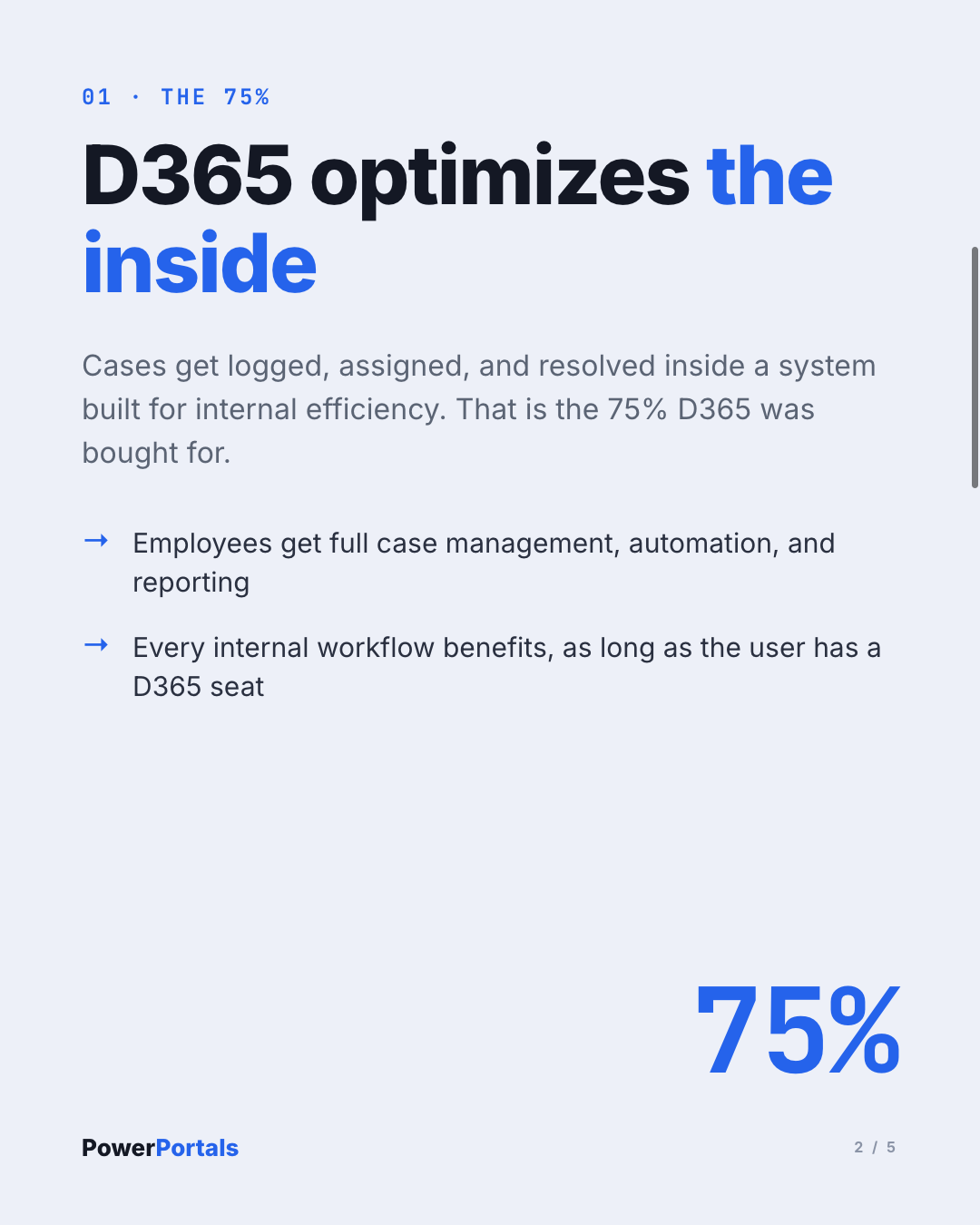
Dynamics 365 does an excellent job optimizing the work your own employees do. Cases get logged, assigned, and resolved inside a system built for internal efficiency. Call that the 75%.
The other 25% is what happens once a case, an order, or a request needs to reach a customer, a partner, or a supplier who has no D365 login and no reason to need one. That gap is not a technicality, it is the edge of the investment.
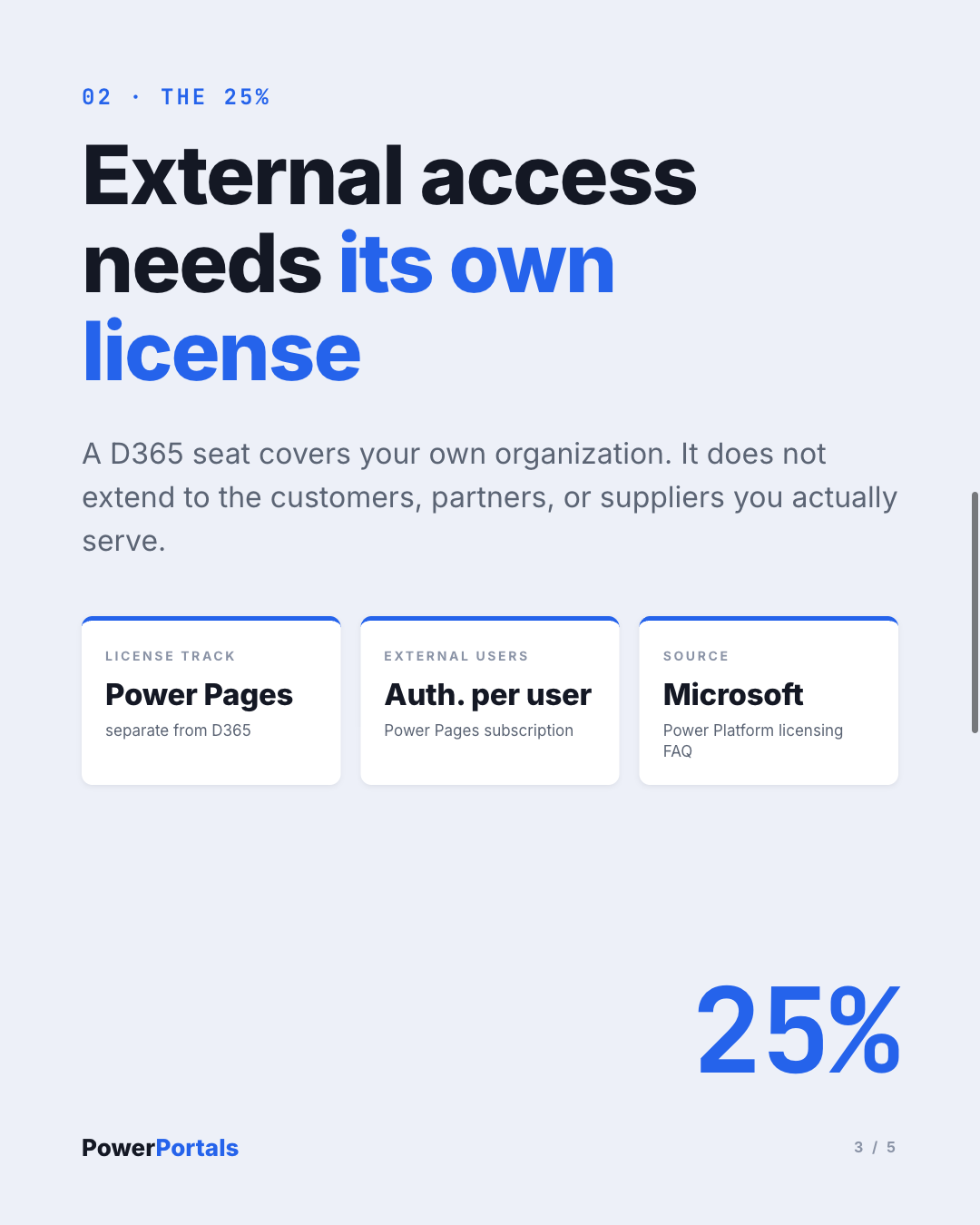
A licensed D365 seat covers your own organization. It does not extend to the people you actually serve: external authenticated access to that same data runs on its own licensing track, Power Pages, separate from the D365 license itself.
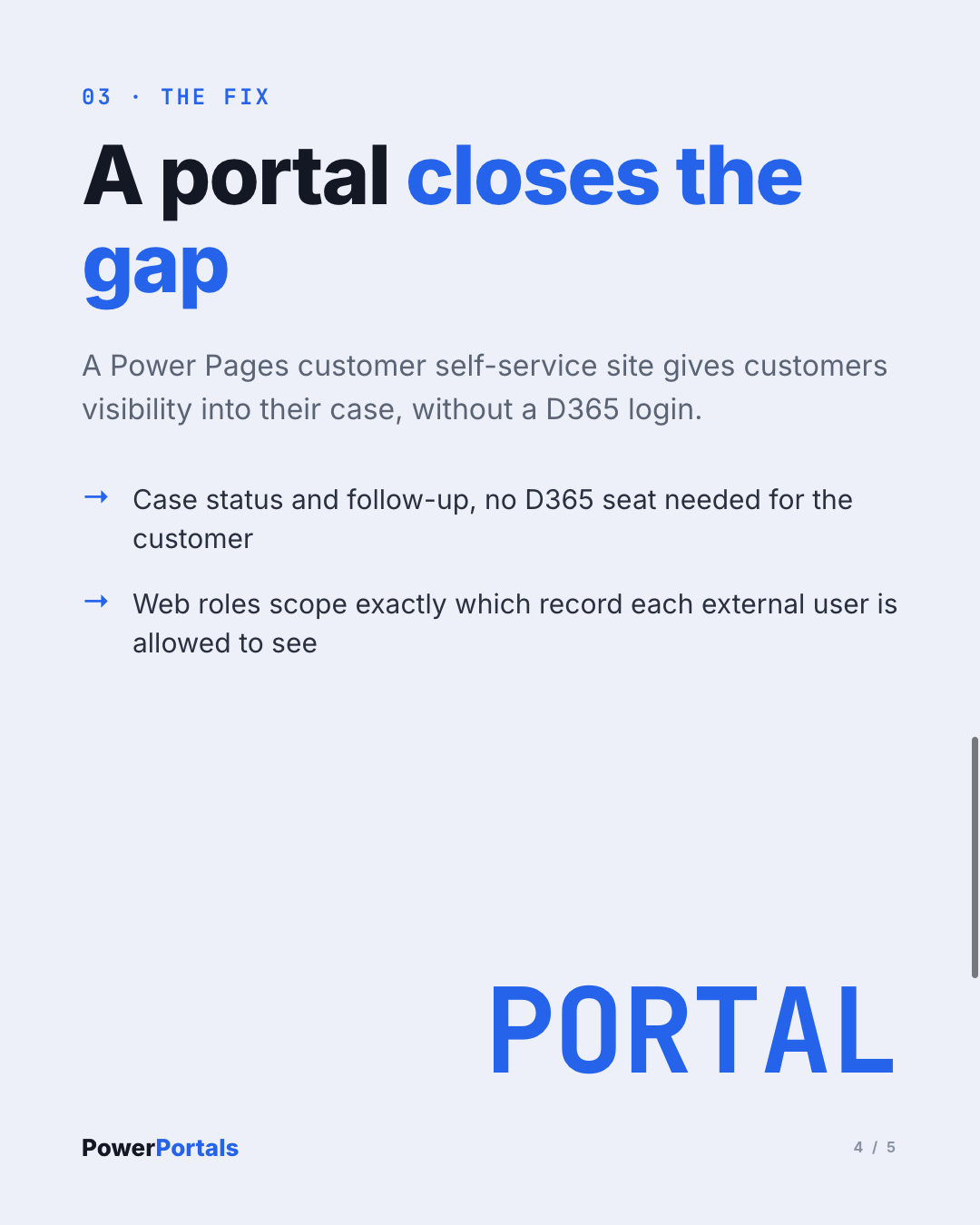
Without a portal, that last mile runs on email and phone calls, the same way it did before Dynamics 365 existed. A Power Pages customer self-service site closes that gap: customers get visibility into their case and can respond, without ever touching D365 itself, and the web roles behind the portal scope exactly which record they're allowed to see, nothing more.
The result isn't a bigger CRM footprint, it's the missing 25% of the value the D365 investment was supposed to deliver. If your Dynamics 365 investment stops at your own office door, that's not what D365 promised. It's what happens when nobody built the door.
Where to go deeper: For the licensing math behind that 25% (authenticated vs. anonymous users, capacity packs, total cost), see Power Pages Costs & Licensing: The Complete Overview. For what a customer self-service portal on top of D365 Customer Service actually saves in support cost, see Self-Service Portal in Customer Service: ROI & Savings Potential. If you want the templated fast path, Already Using Dynamics 365? Your Customer Portal Is One Click Away covers the ready-made D365 portal templates directly.
I map exactly this kind of gap in an Architecture Workshop, before a single portal page gets built.