Every few months a list of new HTML features makes the rounds, often AI-written, always in the same tone: "You can finally do this natively, no JavaScript needed." But for a customer portal the interesting question isn't what a browser can do, it's what all of your users' browsers can do.
A portal isn't a developer laptop running the latest Chrome. It's Edge, Firefox and Safari, some of them enterprise builds on a slow update cycle. I took the widely shared "new HTML features 2026" list and checked every feature against the official Baseline and browser-support data, not against the source article.
The result is sobering: of five celebrated candidates, only two are true Baseline across all four browser engines today. The other three are each missing in at least one engine, which is exactly the difference between "works" and "looks broken for some of your users" in a portal. And one of the five is broken in Power Pages even when the browser fully supports it, overridden by the portal's own CSS. More on that below.
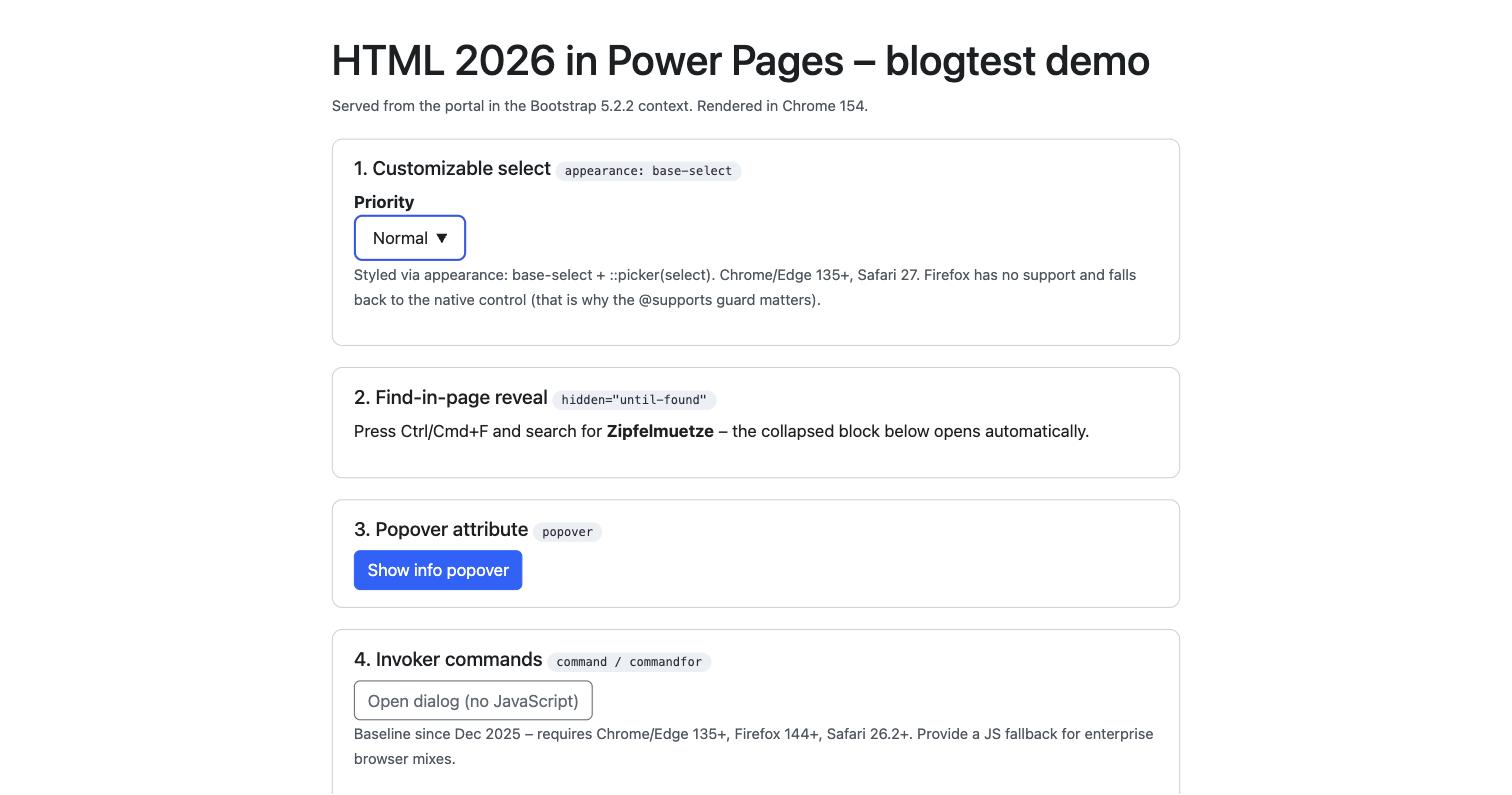
Every screenshot comes from a real Power Pages portal (enhanced data model, Bootstrap 5.2.2), rendered in the latest Chrome.
Genuinely ready: two candidates
The popover attribute
The popover attribute plus popovertarget gives you tooltips, info boxes and simple overlays with zero JavaScript. The browser handles focus management, closing on Escape, and light-dismiss when you click outside.
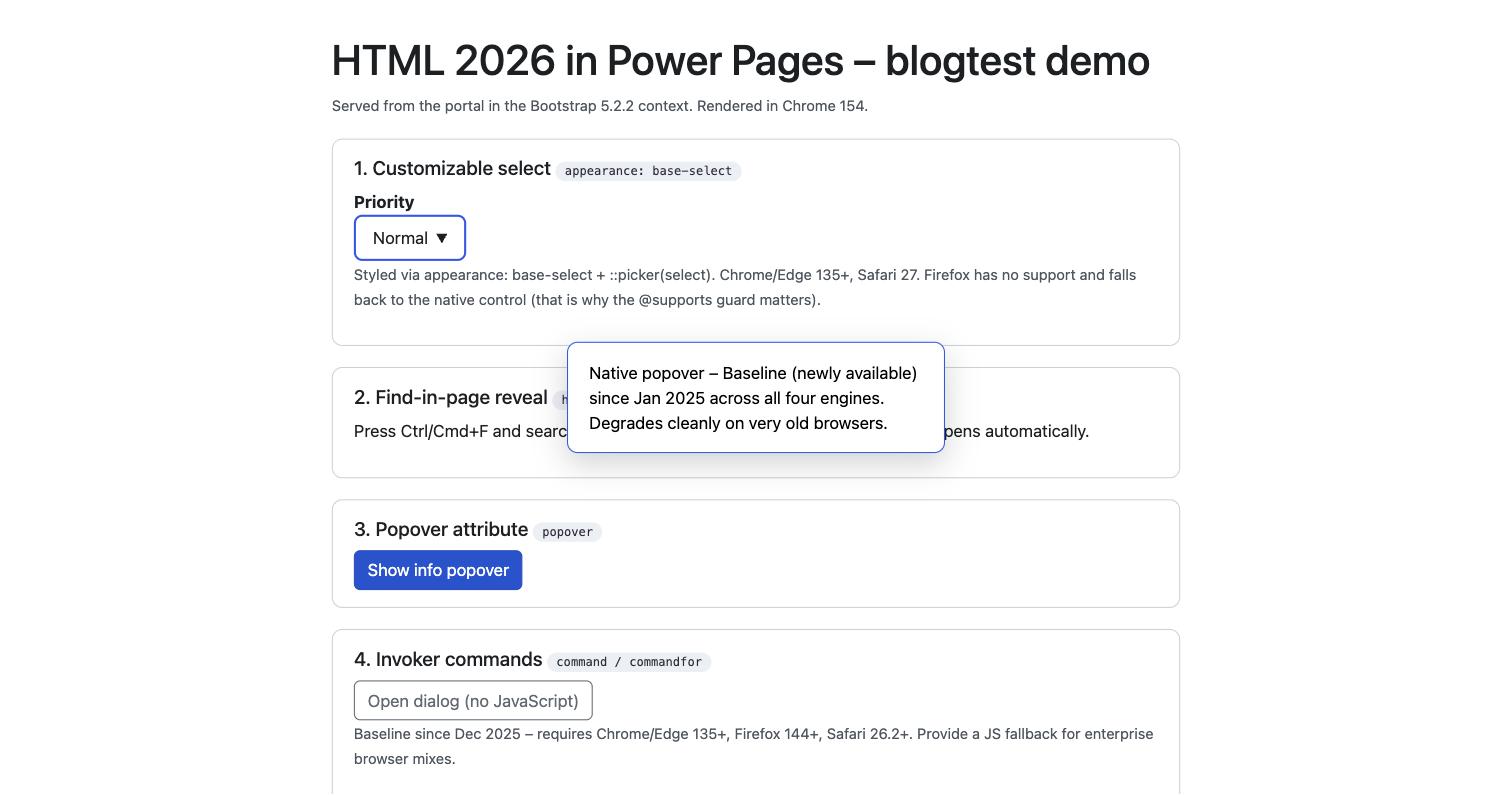
This is the clear winner: Baseline "newly available" since January 2025, supported by Chrome/Edge, Firefox and Safari. For FAQ hints, field explanations or small confirmations you can safely retire the Bootstrap popover plugin. On very old browsers (pre 2023/2024) the content just renders statically, so it doesn't disappear, it simply isn't toggleable anymore.
Invoker commands
With command and commandfor you control dialogs and popovers declaratively, straight from the button, for example command="show-modal" on a <dialog>, with no addEventListener at all.
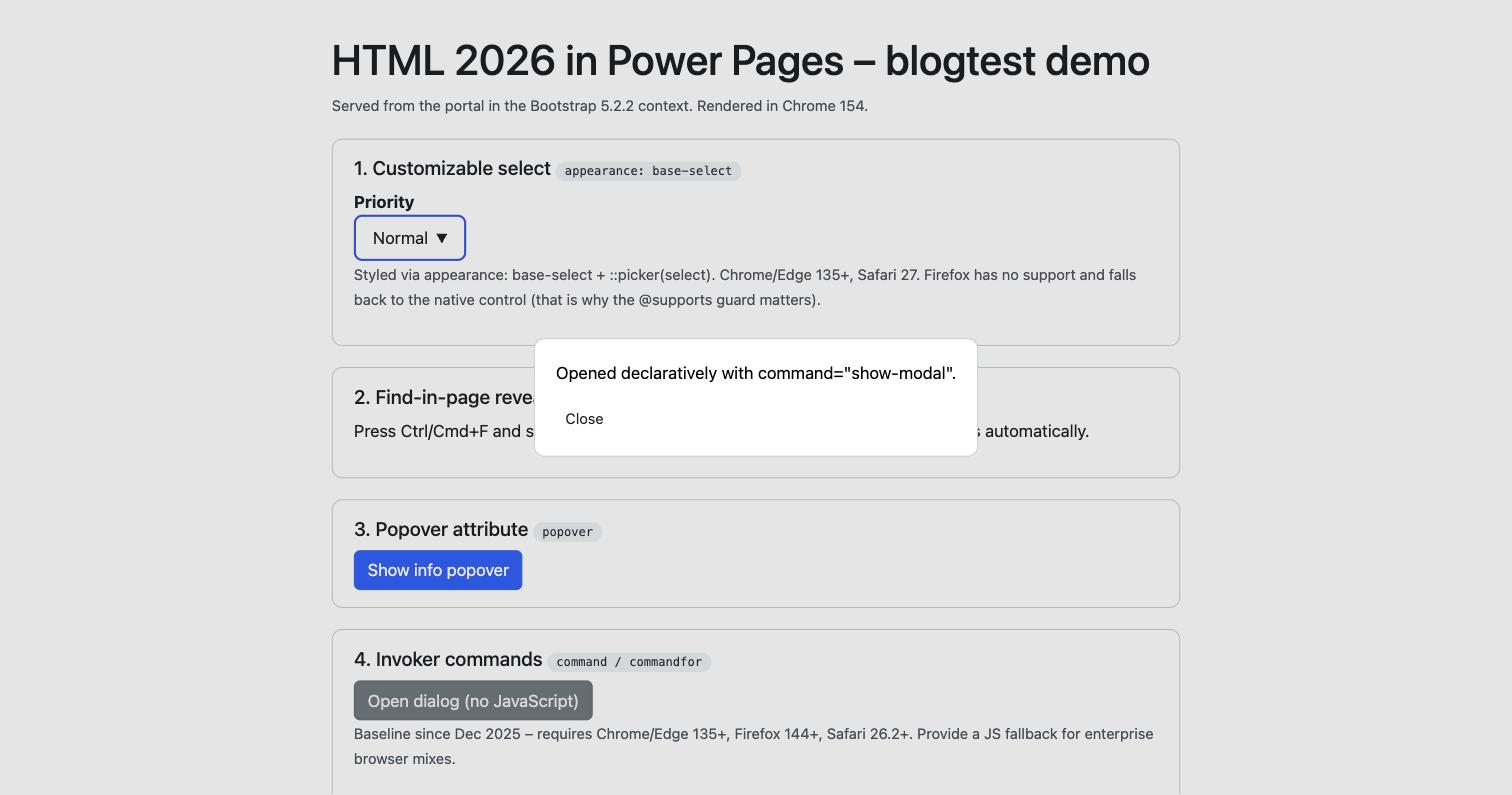
This is also Baseline, but brand new: only since December 2025 (Safari 26.2 was the final piece). "Baseline" here doesn't mean "everywhere", it means specifically Chrome/Edge 135+, Firefox 144+, Safari 26.2+. In an environment with well-maintained, current browsers, a nice simplification. In a corporate portal with frozen browser versions, keep a JavaScript fallback around.
Progressive enhancement only: three candidates with a gap
The next three get sold as "ready". They aren't, at least not as a foundation. They only work with an @supports guard and a clean fallback.
appearance: base-select
Finally styling dropdowns in pure CSS, including the open option list via ::picker(select), without Select2 and friends. Technically impressive:
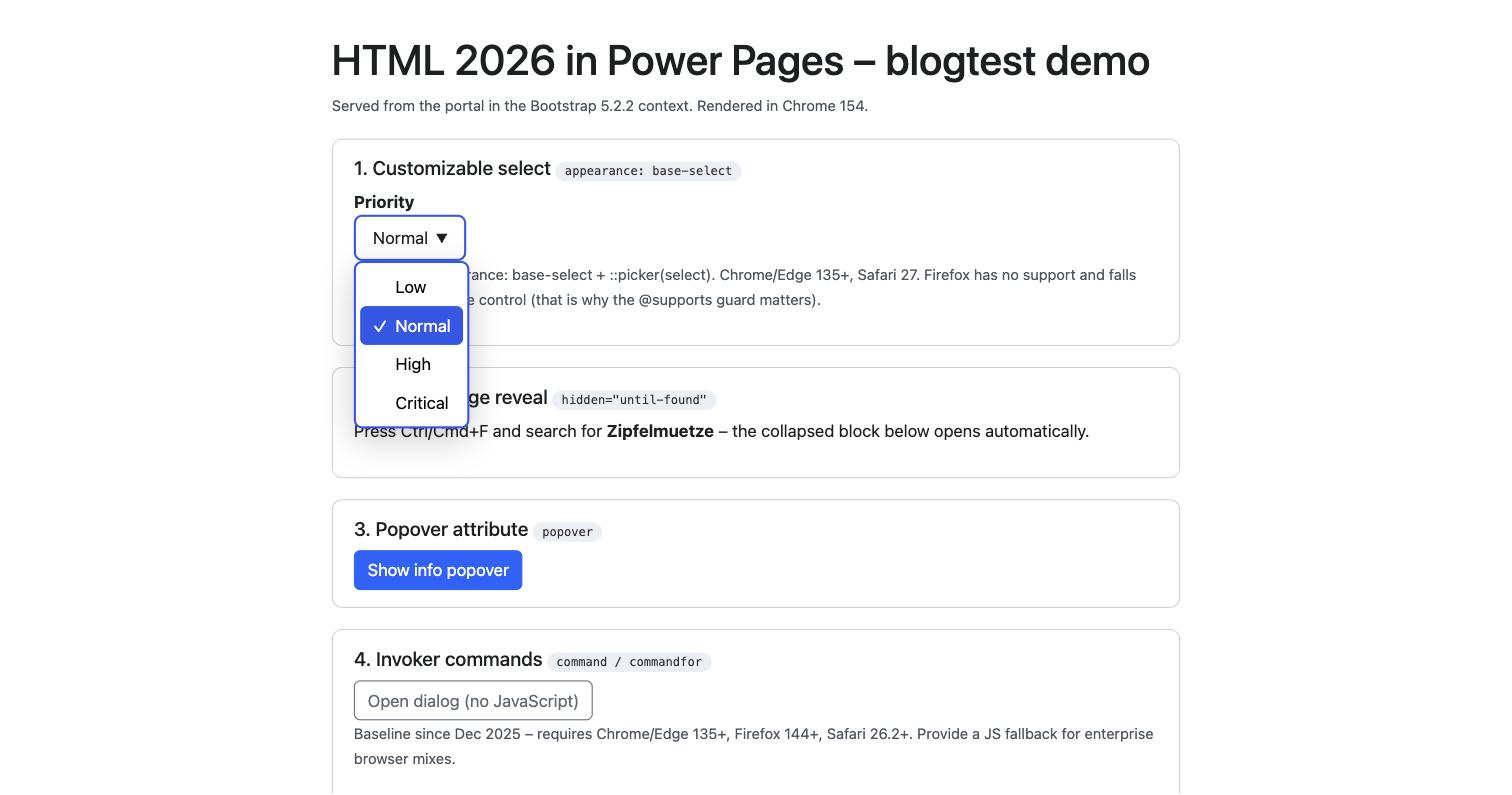
But: Firefox doesn't support it at all, and Safari only since version 27 (mid-September 2026). That makes it "Limited availability", not Baseline. Firefox users get the native dropdown, and your custom styling is simply gone there. Only defensible with @supports (appearance: base-select) and an appearance: none fallback, never as a load-bearing solution.
For Power Pages specifically the story is even narrower: base-select only applies to single-select option sets in basic forms, which render as a native <select>. Multi-select choices render as their own widget, and entity list filters are checkboxes and text fields, not a <select>. So the practical benefit is doubly limited.
sizes="auto"
Automatic image sizing for responsive srcset images with loading="lazy", without a manual sizes value. Handy, but again no Safari support. At least it's harmless: Safari ignores the attribute without consequences and picks the image as before. Safe progressive enhancement, then, but not "faster everywhere".
hidden="until-found"
Collapsed content that the browser's find-in-page (Ctrl+F) still discovers and auto-expands, ideal for FAQ blocks and long knowledge-base articles. Chrome has done this since 2022, Firefox only since February 2026, and Safari still can't do it.
Reproducing this in the demo portal surfaced a second, far more important problem: the feature was broken out of the box, even though the browser supports it. The cause isn't the browser, it's the portal. One of the stylesheets Power Pages ships contains the rule [hidden] { display: none !important; }. But the feature relies on a hidden="until-found" element being hidden via content-visibility: hidden while staying searchable. The display: none !important beats that UA mechanism, removes the content from rendering entirely, and makes it invisible to find-in-page. Ctrl+F simply doesn't find the hidden text, and nothing expands.
The feature only comes back with a one-line fix that undoes the reset for this case:
[hidden="until-found"] { display: block !important; content-visibility: hidden; }After that the block stays collapsed but searchable again, and Ctrl+F expands it:
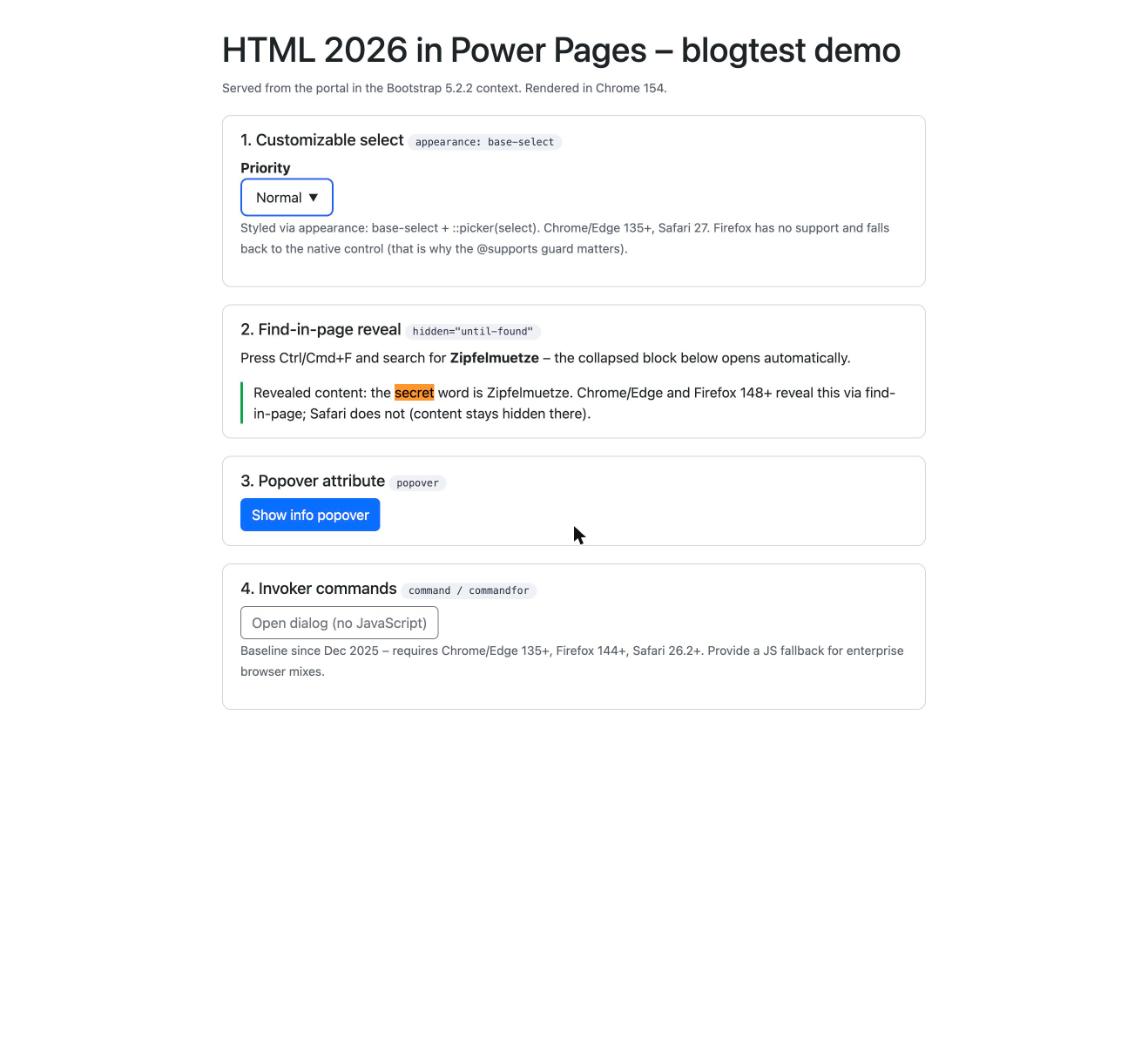
This is exactly the point of the whole post, on a concrete case: a "ready" HTML feature fails not because of the browser, but because of the Power Pages and Bootstrap context. Fine as a progressive treat, but only with the CSS override, and only where the content is reachable without the feature too (Safari never shows it expanded).
Check first: which Bootstrap version is your portal on?
One constraint no trend article mentions: the Bootstrap version your portal runs on isn't a given, and it matters. Power Pages supports both Bootstrap 3.3.6 and Bootstrap 5. The docs list version 3 as the default, but in practice you'll very often find Bootstrap 5, because Bootstrap 5 requires the enhanced data model and new environments and sites increasingly run on exactly that (my demo portal, for instance, runs Bootstrap 5.2.2).
So the practical advice is: before you add a modern HTML or CSS feature, check which version is actually installed, because there's a dependency. The quickest way is your site's bootstrap.min.css web file (the version is in the header comment) or the Site/BootstrapV5Enabled site setting. A classic, jQuery-heavy Bootstrap 3 portal is a different game from a Bootstrap 5 site.
A small related note: the old rule that an <h1> inside nested <section> elements shrinks automatically is being removed by browsers right now (Firefox and Chrome already warn in the console, Lighthouse deducts points). In Power Pages you usually won't notice, because Bootstrap sets heading sizes explicitly anyway. When in doubt, set h1 { font-size: 2em; } yourself.
Verdict
| Feature | Ready for Power Pages? | Reason |
|---|---|---|
| Popover attribute | Yes | Baseline since Jan 2025, all four engines |
| Invoker commands | Yes, with fallback | Baseline since Dec 2025, high minimum versions |
| appearance: base-select | Progressive only | Firefox missing; in Power Pages only single-select option sets |
| sizes="auto" | Progressive only | Safari missing, but harmless |
| hidden="until-found" | Progressive only, needs CSS fix | Safari missing; in Power Pages also killed by [hidden]{display:none!important} |
The rule stays unspectacular, and that's exactly why it's right: a new HTML feature belongs in an internal or demo portal first, then you check the real browser mix of your users, and only then does it go into the customer portal, progressively, with an @supports fallback. Never straight from a feature list, no matter how elegant the feature looks.
Related articles
Link previews for Power Pages
Open Graph meta tags in Power Pages via web template, snippet and Liquid, another frontend detail with its own rules in the portal context.
Read article → DevelopmentThe render-mutate-refresh pattern
An architecture pattern combining server-rendered Liquid, Server Logic writes and explicit resync for data-bound Power Pages components.
Read article → DevelopmentLiquid FetchXML vs. Web API
Decision tree, performance comparison and security patterns between the two data-access paths in Power Pages.
Read article →Sources
- web-features / Baseline (the same data as the MDN Baseline widget), support and Baseline status per feature, as of September 2026
- MDN: Popover API and Invoker Commands API
- MDN: Customizable select (appearance: base-select), status "Limited availability"
- MDN blog: h1 element styles in section
- Microsoft Learn: Bootstrap overview and Create new sites with Bootstrap version 5 (default 3.3.6, Bootstrap 5 with the enhanced data model)
- Hands-on reproduction in the Power Portals demo portal (enhanced data model, Bootstrap 5.2.2), Chrome 154